
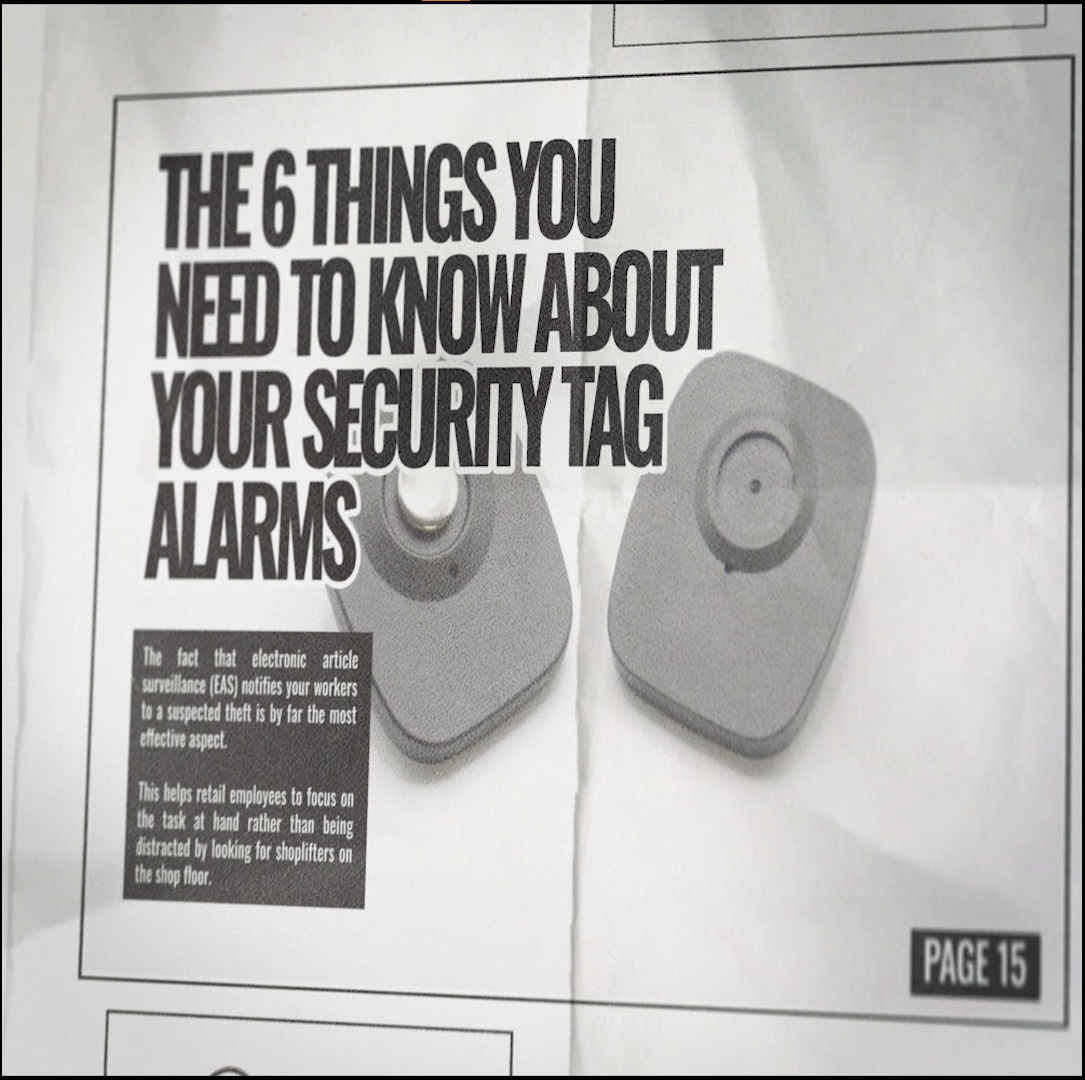
An Electronic Article Surveillance (EAS) alarm is useful only when store staff trust the system and know how to respond. If alarms become frequent or inconsistent, work through the likely causes methodically rather than ignoring them.
1. Check for active tags or labels near the entrance
Protected merchandise, loose tags, label rolls or source-tagged products placed too close to an EAS antenna can create unwanted alarms or affect system performance. Keep active merchandise protection away from the detection zone unless the installation guidance specifically allows it.
2. Confirm checkout removal and deactivation
Reusable hard tags should be removed with the correct detacher. Deactivatable labels should be processed with a compatible label deactivator. If checkout procedures are inconsistent, paid merchandise can remain active and alarm as customers leave.
Browse Detachers and Deactivators.
3. Confirm the EAS frequency
RF 8.2MHz and AM 58kHz are different EAS technologies. Tags, labels, antennas and deactivators should be selected for the correct frequency. INEO Clarity operates at RF 8.2MHz, while INEO custom-wrapped gates can be configured for RF 8.2MHz or AM 58kHz.
Browse RF 8.2MHz products or AM 58kHz products.
4. Review the entrance layout
Detection performance depends on antenna placement, tag type, merchandise and site conditions. A single antenna can be a practical starting point for a standard single doorway. For an entrance about 6 feet wide or wider, INEO generally recommends two antennas, one on each side.
5. Look for changes around the system
If performance changed recently, ask what else changed: new displays, metal fixtures, powered equipment, tagged merchandise, checkout placement or entrance layout. A site change can affect the environment even when the antenna itself has not been moved.
6. Test the system regularly
Follow the manufacturer's testing and maintenance guidance and verify operation with known compatible tags or labels. Staff should report changes in detection or repeated alarms so the cause can be investigated before alarm fatigue develops.
Need help troubleshooting?
Browse INEO EAS Systems or contact INEO sales at apannu@ineosolutionsinc.com if you need help confirming system, tag or entrance compatibility.
Related: Tag Pollution and How Electronic Article Surveillance Works.